Website development company in Toronto
You get a website designed around what your customers need to do, from finding a service to sending an enquiry. For your Toronto business, we plan the page structure, build contact and quote forms, and prepare the site for search. We work with you through design, development and launch, using your feedback to shape the pages before they are built.
- 250+ projects delivered
- Reviews on Google ↗
- Reply within 1 working day
Reply within 1 working day
What happens next
- 01Tell us what you need, in the form or on WhatsApp.
- 02Sohail replies within 1 working day (Mon–Sat, IST).
- 03We agree the scope together, then send your quote.
- Projects delivered
- 0+Projects delivered
- Years building for the web
- 0+Years building for the web
- Live and in use
- 0%Live and in use
What you get
What’s included in website design & development
UX & page design
Sitemap, wireframes and page designs for desktop and mobile, refined with your feedback.
Custom development
Clean, fast code in Next.js, or WordPress when your team needs full editing control.
Content management
An editor for pages, news, projects and careers that your team can use without training.
Forms & enquiries
Contact and quote forms routed to the right inbox, plus WhatsApp and click-to-call.
Search-ready build
Metadata, structured data, sitemaps and fast load times on every page.
Launch & handover
Domain, email, analytics and Search Console set up, with a walkthrough for your team.
Tools we use: Next.js, React, WordPress, Tailwind CSS, Vercel, Cloudflare.
Choosing
Should you choose WordPress, a custom site or a website builder?
WordPress suits a team that publishes often and wants to edit most of the site itself. Its plugins offer a range of options, but someone needs to keep the site updated for security. A custom-coded site in Next.js gives you more freedom over the design, with fast pages and tight security; structural changes are generally work for a developer.
A hosted builder such as Wix, Squarespace or Webflow suits a small site that you want to run alone. The trade-off is less control over the code and speed, and a move away from the platform can mean rebuilding. Think about who will make changes before committing to a platform.
A headless setup gives you a custom front end and a separate content editor. It fits a site that needs both speed and frequent editing, with more parts to host and maintain. We recommend an approach after learning how your team works and how much content it expects to manage.
Local
What Toronto businesses need from their websites
Toronto has major banks and strengths in financial services. If you run a professional services practice, give each service and partner a clear page so prospective clients can check expertise and credentials before they call.
Factories and distribution warehouses in Etobicoke, North York and Scarborough need websites that help buyers assess their capabilities. Product pages, certifications and downloadable specifications give a manufacturer or supplier room to answer practical questions, while a detailed quote form helps your team respond.
For a Toronto business working in film, television or digital media production, a project portfolio can show prospective clients the work you do. Use photos and project details to make individual pieces of work easy to assess.
Rules
What a website project in Canada has to handle
Ontario businesses and non-profits with 50 or more employees must meet the AODA website requirement for WCAG 2.0 Level AA, with exceptions for live captions and pre-recorded audio descriptions. We agree an accessibility target in the brief and carry it into the page design and build.
If you collect sign-ups for commercial electronic messages, CASL requires consent, sender identification with a current mailing address, and an unsubscribe mechanism. We set up the sign-up form to collect consent and include the required sender and unsubscribe details in the messages.
How it runs
How a website project runs with us
We are a studio in India and work with you remotely through video calls, WhatsApp and a shared project board. Across Canada, India is 9h to 12h30m ahead in winter; Eastern Time moves 1 hour closer during daylight saving time. The shared board keeps decisions visible between conversations.
- 01
Discover
Tell us who buys from you, why they choose you and what visitors should do on the site. We use that to agree the scope and shape the sitemap.
- 02
Design
We prepare wireframes and page designs for desktop and mobile. You review them and give feedback; we can work from your existing logo, colours and fonts.
- 03
Build
We develop the site in clean code or a content management system your team can edit, then test it on real devices and browsers.
- 04
Check
Before launch, you proofread every page, submit each form once and confirm who receives its messages. This gives your team a chance to catch small errors.
- 05
Launch
We set up the domain, email, analytics and Search Console, then walk your team through the handover so the people using the site know where things are.
Checklist
What to have ready before we talk
Bring these details so we can discuss the scope and what visitors need to do.
- Brand filesYour logo in SVG, AI or EPS, plus colours and fonts, or a note that they still need creating.
- PrioritiesA ranked list of the services or products you want the site to feature.
- ExamplesSites you like and dislike, with a reason for each choice.
- AccessLogin details for the domain, hosting, email, analytics and Search Console, or the name of the person who holds them.
- Proof of workCase studies, permitted client logos, testimonials, certifications and memberships in a folder.
Cost & time
What affects the cost and timing of your website?
The scope determines the design, build and launch work to plan for.
Page templates
Distinct layouts need separate design and build work; pages that share a template take less effort.
Content readiness
Copy and photos ready to publish reduce the scope; copywriting, photography or translation add work.
Migration
Moving blog posts, news archives and downloadable files from an old site adds transfer and checking work.
Brand readiness
An existing logo and style guide give design a starting point; deciding the logo, colours and typefaces adds work.
Avoid
Mistakes to avoid when building your website
Designing with placeholder copy
Supply real headings and paragraphs early, because their length affects how the layout works.
Choosing a platform too soon
Decide who will update the site and how often before making the choice.
Reviewing only on a large screen
Check every page on a phone before approving the design.
Leaving search setup until launch
Check page titles, the sitemap and any development indexing block before the site goes live.
Our work
Projects we’ve built
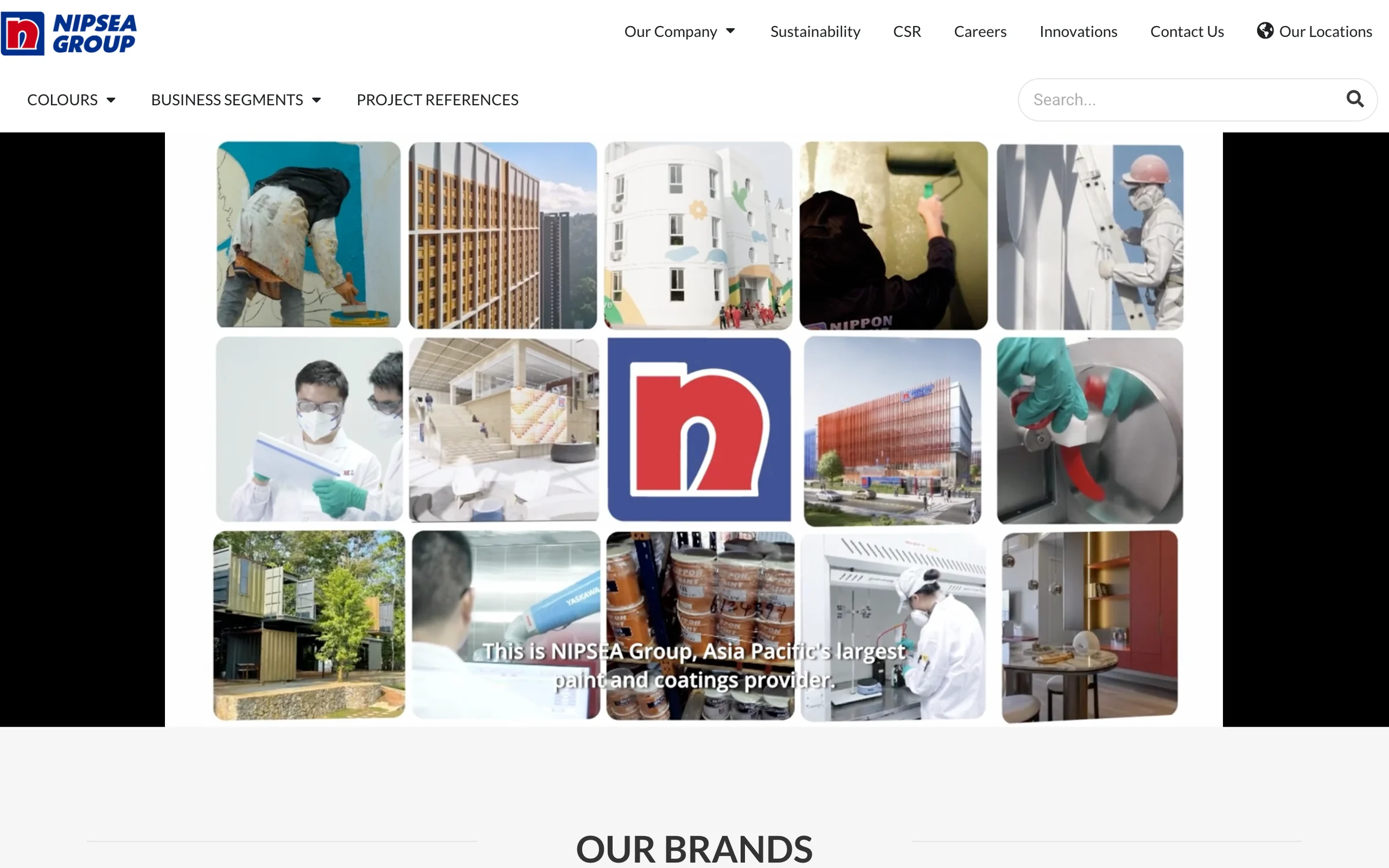
- NIPSEA GroupGroup website for NIPSEA Group (Nippon Paint), Asia Pacific’s largest paint and coatings group, headquartered in Singapore with more than 147 companies across 28 locations.nipsea.group
- iWISERSBrand website for iWISERS, a social and data intelligence agency that tracks every conversation about a brand and turns it into action.iwisers.com

Questions
Asked by businesses in Toronto
Page updated 5 November 2026
Is it still worth paying for website development?
It is worth considering when the site has a clear job, such as bringing in enquiries. Set up analytics to track form submissions, calls and WhatsApp clicks, then check which pages those enquiries started from. That gives you a practical way to assess how people use the site after launch.
How much does it cost to get a website built?
There is no fixed price. The main drivers include how much custom design the content needs, how much content must be prepared, and whether the site needs a separate editor and front end to host and maintain. We send a free quote once we have agreed the scope with you.
Can our team edit a custom website?
Yes. We build in Next.js or use WordPress when your team needs full editing control. A content editor can give your team access to pages, news, projects and careers without training, so decide which people will be responsible for keeping those areas current.
What is included in the search setup?
We prepare page titles and descriptions, a clear heading structure, an XML sitemap, structured data and fast pages. Planning these during the build takes less effort than fixing them later. This gives the site a search-ready foundation, without promising where any page will appear in results.
Will we own the website?
Yes. You own the domain, content and code. Before signing off the project, make sure the people responsible for the site know who receives each enquiry: a quote request and a general contact message may need to reach different inboxes, with a useful confirmation shown to the visitor.
What happens after the website launches?
We provide ongoing support after launch. Your team should also decide who will update news, projects and job posts; an old newest post can leave visitors wondering whether the company is still trading. Assigning an owner for those updates makes them easier to keep current.
Tell us what you need
Sohail, Founder, replies within 1 working day (Mon–Sat, IST). Free and no obligation.
Website design & development nearby
Also in Toronto