Web design and development in Kitchener
Get a website that helps people understand your services and contact you. For your Kitchener business, we design pages for desktop and mobile, build contact and quote forms, and prepare the site for search with metadata and a sitemap. You speak directly to the people doing the work, from our studio in India.
- 250+ projects delivered
- Reviews on Google ↗
- Reply within 1 working day
Reply within 1 working day
What happens next
- 01Tell us what you need, in the form or on WhatsApp.
- 02Sohail replies within 1 working day (Mon–Sat, IST).
- 03We agree the scope together, then send your quote.
- Projects delivered
- 0+Projects delivered
- Years building for the web
- 0+Years building for the web
- Live and in use
- 0%Live and in use
What you get
What’s included in website design & development
UX & page design
Sitemap, wireframes and page designs for desktop and mobile, refined with your feedback.
Custom development
Clean, fast code in Next.js, or WordPress when your team needs full editing control.
Content management
An editor for pages, news, projects and careers that your team can use without training.
Forms & enquiries
Contact and quote forms routed to the right inbox, plus WhatsApp and click-to-call.
Search-ready build
Metadata, structured data, sitemaps and fast load times on every page.
Launch & handover
Domain, email, analytics and Search Console set up, with a walkthrough for your team.
Tools we use: Next.js, React, WordPress, Tailwind CSS, Vercel, Cloudflare.
Choosing
Should you choose WordPress or a custom website?
WordPress suits a team that expects to edit content frequently. A custom Next.js site suits a business that wants fast pages, tight security and a design without template limits, with a developer handling structural changes. A custom site can still have an editor. We recommend an approach after learning how your team works.
Your design choice affects the work too. A custom design fits a brand or audience with specific needs; an adapted template fits a simpler brief, provided the layout is reworked around your real content. Hosted builders such as Wix, Squarespace and Webflow suit small sites an owner wants to manage alone, though they offer less control over code and speed and moving away can mean a rebuild.
A headless setup combines a custom front end with a separate content editor. It suits a site that needs speed and extensive editing, with more components to host and maintain.
Local
What Kitchener businesses need from their websites
Kitchener is the regional seat of the Regional Municipality of Waterloo. If your professional services practice works with organisations across the municipality, give prospective clients a clear page for each service and each partner. People can then check the relevant expertise and credentials before deciding whom to call.
For a Kitchener construction, interior design or engineering firm serving manufacturers across Ontario, a project portfolio gives prospective clients something concrete to assess. Include photos and details of the work, with a route to enquire about a similar project. Manufacturing is Ontario's principal industry, so your site should make the work you offer to those clients easy to understand.
Rules
What a website project in Canada needs to handle
PIPEDA sets federal rules for private-sector organisations handling personal information in commercial activity. For your enquiry forms, we set up fields for the information you need, an explanation of its use and routing to the right inbox.
For commercial email, Canada's anti-spam rules require consent, sender identification with a current mailing address and an unsubscribe mechanism. If your site collects newsletter sign-ups, we set up a consent field and make sure the email setup includes the required sender details and unsubscribe option.
How it runs
How a website project runs with us
We work remotely over video calls, WhatsApp and shared project boards. India is ahead of Eastern Time, and the gap changes with daylight saving. The shared board keeps feedback and next steps visible across the time difference.
- 01
Discover
We learn about your business, audience and goals. You help us agree what the project needs to cover.
- 02
Wireframe
We map the content and order of each page. You review priorities and missing information before visual design begins.
- 03
Design
We prepare the sitemap and desktop and mobile page designs, then refine them with your feedback.
- 04
Build
We develop the site in code or with an editable CMS and test it on real devices and browsers. You can review the build as it takes shape.
- 05
Check and launch
You proofread every page, submit each form and confirm who receives its messages. We set up the domain, email, analytics and Search Console, then walk your team through the site.
Checklist
What to have ready before we talk
Bring what you have, with a note of anything still to be arranged.
- Rank the services or products you want to feature, so the navigation can reflect your priorities.
- Choose a goal, such as quote requests or calls, and identify who handles each enquiry.
- Gather real photos of your team, premises and finished work; book a photo shoot ahead if needed.
- Bring examples of sites you like and dislike, with a short reason for each.
- Find the logins for your domain, hosting, email, analytics and Search Console, or identify who holds them.
- Gather your logo files, colours and fonts, or note which brand assets still need creating.
Cost & time
What affects the cost and schedule
The agreed scope shapes the design, build and content work.
Page templates
Distinct layouts take more design and build effort than pages sharing a template.
Content readiness
Copy and photos ready to publish reduce the work; adding copywriting, photography or translation expands it.
Migration
Moving old posts, news archives and downloadable files adds transfer and checking work.
Brand readiness
An existing logo and style guide reduce design work compared with deciding colours and typefaces during the project.
Avoid
Mistakes to avoid
Copying every old page
Review what visitors need and keep service pages clear and manageable.
Leaving real copy until the end
Use actual headings and paragraphs during design so layouts fit the content.
Choosing a platform too early
Decide who will update the site and how often before selecting it.
Postponing search setup
Check page titles, the sitemap and any development indexing block before launch.
Our work
Projects we’ve built
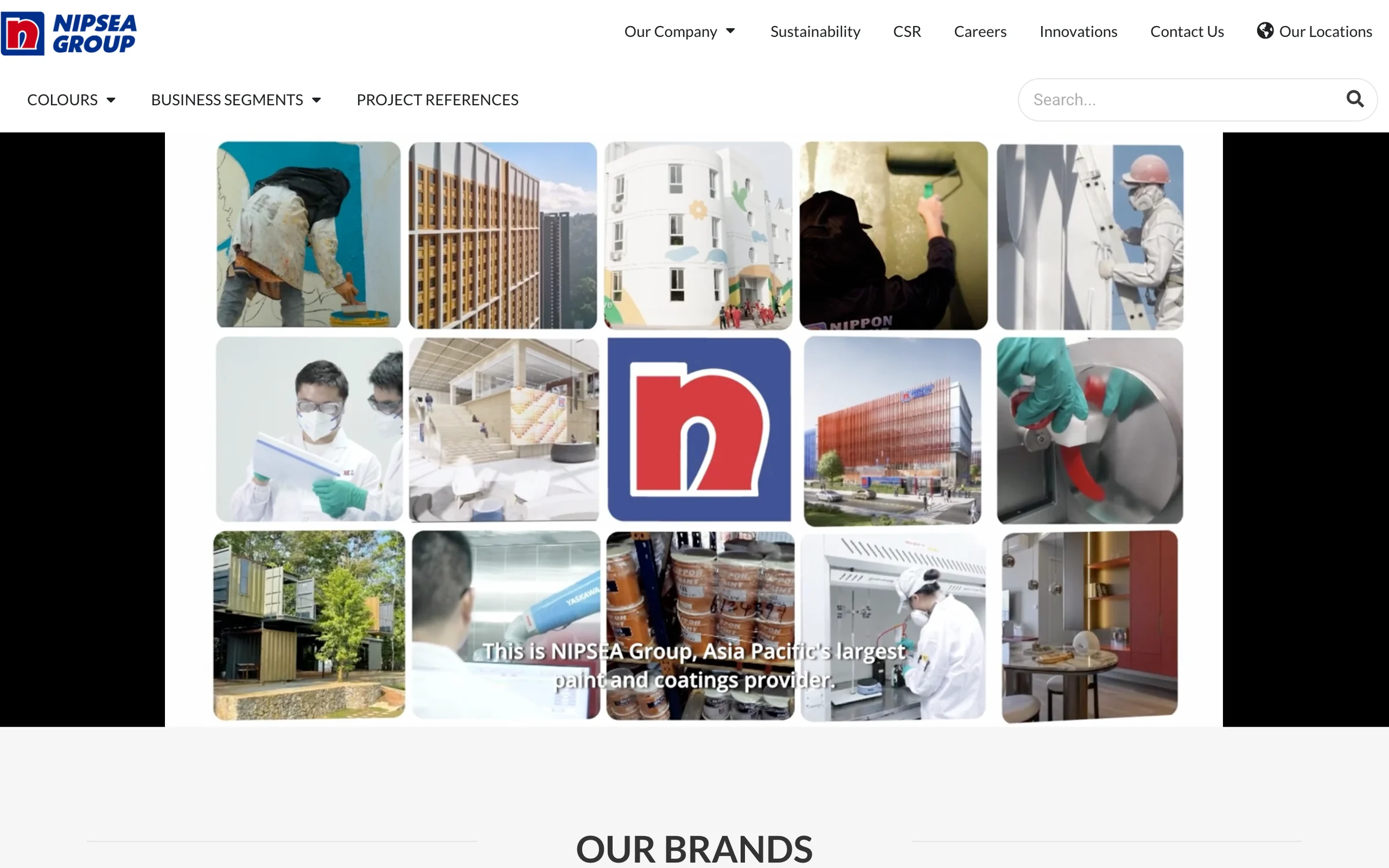
- NIPSEA GroupGroup website for NIPSEA Group (Nippon Paint), Asia Pacific’s largest paint and coatings group, headquartered in Singapore with more than 147 companies across 28 locations.nipsea.group
- iWISERSBrand website for iWISERS, a social and data intelligence agency that tracks every conversation about a brand and turns it into action.iwisers.com

Questions
Asked by businesses in Kitchener
Page updated 5 November 2026
How much does it cost to have a website built?
There is no fixed price. The choice between a custom build and WordPress, the content editor you need, and who prepares service descriptions, team bios and case studies all affect the scope. Once we agree that scope with you, we send a free quote.
Is a website still worth building for a new product?
A website gives you a place to explain the product in plain language and offer a next step. For a startup launching a product or raising money, that could be a waitlist or a way to book a demo. The useful choice is the action you want a visitor to take.
Can we use our existing branding?
Yes. We can build on your existing logo, colours and fonts and prepare brand assets for use on the web where needed. Tell us which assets are settled and which still need attention, so the page designs start from the materials your team actually uses.
What is included in the website build?
The build can include an editor for pages, news, projects and careers, alongside enquiry forms. We plan where each form sends its message, who receives quote requests and what the confirmation says. We also discuss whether WhatsApp or click-to-call buttons should appear on mobile.
Will we own the website?
Yes. You own the domain, content and code, with no lock-in. Keep the domain and hosting accounts in your business's name and grant access to the people working on the site. That way, your business holds the accounts needed to manage its own website.
What should we do after the site launches?
Assign someone to update news, projects and job posts, then use analytics to track form submissions, calls and WhatsApp clicks. Check which pages those enquiries started from. This gives you a practical view of how people use the site and where to review the content.
Tell us what you need
Sohail, Founder, replies within 1 working day (Mon–Sat, IST). Free and no obligation.
Website design & development nearby
Also in Kitchener