Web design and development in Western Australia
Get a website that gives your customers a clear way to enquire and your team a practical way to manage the site. We build for businesses in Western Australia using clean code or WordPress, with quote forms sent to the right inbox and metadata prepared for search. You work with us remotely throughout the project.
- 250+ projects delivered
- Reviews on Google ↗
- Reply within 1 working day
Reply within 1 working day
What happens next
- 01Tell us what you need, in the form or on WhatsApp.
- 02Sohail replies within 1 working day (Mon–Sat, IST).
- 03We agree the scope together, then send your quote.
- Projects delivered
- 0+Projects delivered
- Years building for the web
- 0+Years building for the web
- Live and in use
- 0%Live and in use
What you get
What’s included in website design & development
UX & page design
Sitemap, wireframes and page designs for desktop and mobile, refined with your feedback.
Custom development
Clean, fast code in Next.js, or WordPress when your team needs full editing control.
Content management
An editor for pages, news, projects and careers that your team can use without training.
Forms & enquiries
Contact and quote forms routed to the right inbox, plus WhatsApp and click-to-call.
Search-ready build
Metadata, structured data, sitemaps and fast load times on every page.
Launch & handover
Domain, email, analytics and Search Console set up, with a walkthrough for your team.
Tools we use: Next.js, React, WordPress, Tailwind CSS, Vercel, Cloudflare.
Choosing
Should you choose WordPress or a custom website?
WordPress suits a team that publishes often and wants to edit most of the site itself. Its plugins offer a wide choice of features, but someone needs to keep WordPress and those plugins updated for security. Think about who will take responsibility for those updates alongside your regular content work.
A custom-coded site, such as one built with Next.js, suits a business that wants fast pages, tight security and a design without template limits. You will usually need a developer for structural changes. A headless setup adds a separate content editor to a custom front end, which suits heavier editing, although there are more parts to host and maintain.
A hosted builder such as Wix, Squarespace or Webflow suits a small site you want to run yourself. You give up some control over code and speed, and moving away later can mean rebuilding. We recommend an option after understanding how your team works and how much editing you expect to do.
Local
What Western Australian businesses need from a website
Mining suppliers need to explain what they can provide before a buyer gets in touch. Capability pages, certifications and downloadable specifications give visitors details to review, while a quote form can ask for enough information to make a useful response.
For agricultural businesses, an enquiry form needs a clear destination. Decide who receives quote requests, what the confirmation says and whether a phone or WhatsApp option should appear on mobile, so enquiries reach someone who can deal with them.
Finance and property services firms need to make their expertise easy to check. Separate service and partner pages give a prospective client space to read about the relevant work and credentials before deciding to call.
Rules
Accessibility in an Australian website project
Australian guidance recommends WCAG 2.2 at a minimum of Level AA for digital goods and services. We agree an accessibility target in your brief and set up the sitemap, wireframes and desktop and mobile page designs with that target in view. You can review the designs and give feedback before the build starts. Putting the target in the brief gives everyone working on the site a shared basis for those decisions.
How it runs
How a website project runs with us
We are a studio in India, and you talk directly to the people designing and building your site. India time is 2h30m behind Perth; we keep work moving through video calls, WhatsApp and a shared project board.
- 01
Discover
Tell us about your business, audience and goals. We agree the scope with you, including what the project needs to cover.
- 02
Plan
Explain who buys from you, why they choose you and what you want visitors to do. We use those answers to shape the sitemap.
- 03
Design
We prepare wireframes and page designs for desktop and mobile. You review them and give feedback before we move into the build.
- 04
Build
We develop the site in code or with a content management system your team can edit, then test it on real devices and browsers.
- 05
Check and launch
You proofread every page, submit each form and confirm who receives its messages. We set up the domain, email, analytics and Search Console, then walk your team through the handover.
Checklist
What to have ready before we talk
Gather these details before the conversation so we can discuss the work your site needs.
- Your main goal, such as quote requests or calls, and who handles each enquiry.
- The services or products to feature, ranked by importance.
- Account access for your domain, hosting, email and search tools, or the name of whoever holds it.
- Sites you like and dislike, with a short reason for each choice.
- Case studies, permitted client logos, testimonials and certifications in a shared folder.
- Photos of your team, premises and finished work, or a plan to arrange them.
Cost & time
What affects the cost and timeline?
The scope and the material you have ready determine how much design, build and checking work is needed.
Page templates
Reusing a layout takes less design and build work than creating a distinct layout for each type of page.
Features
Booking, member logins, calculators and CRM connections add design, development and testing work.
Content
Copy and photos ready to publish keep the scope smaller; writing, photography or translation add work.
Migration
Moving news, blog posts and downloadable files from an old site adds transfer and checking work.
Avoid
Mistakes to avoid
Copying every old page
Start with the service pages visitors need. A shorter site is easier to scan and keep current.
Letting an agency own your accounts
Hold the domain and hosting accounts in your business name and grant access to the people working on them.
Leaving copy until the end
Use real headings and paragraphs during design so the layouts accommodate your actual content.
Leaving search setup until launch
Check page titles, the sitemap and any development indexing block before the site goes live.
Our work
Projects we’ve built
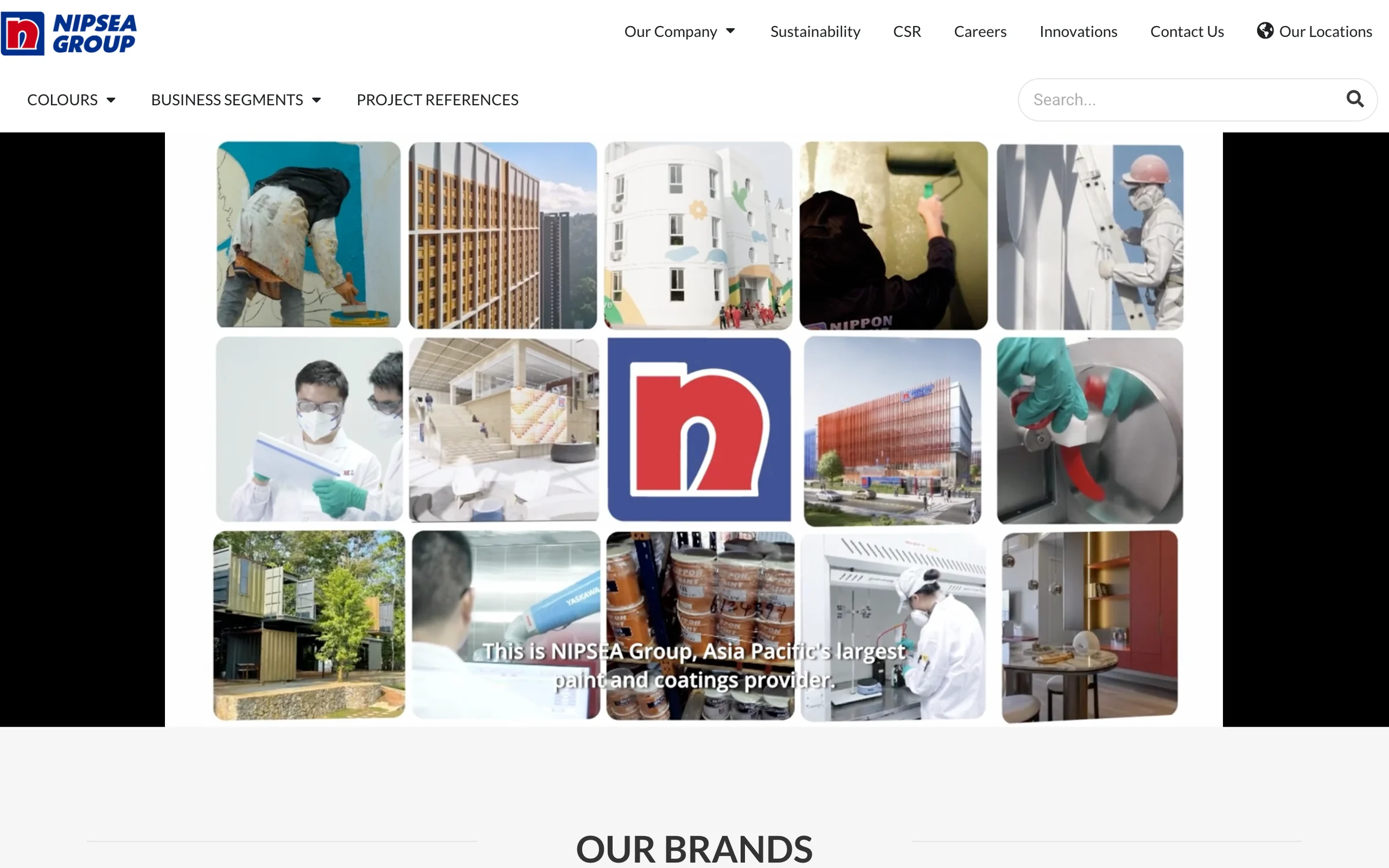
- NIPSEA GroupGroup website for NIPSEA Group (Nippon Paint), Asia Pacific’s largest paint and coatings group, headquartered in Singapore with more than 147 companies across 28 locations.nipsea.group
- iWISERSBrand website for iWISERS, a social and data intelligence agency that tracks every conversation about a brand and turns it into action.iwisers.com

Questions
Asked by businesses in Western Australia
Page updated 5 November 2026
How much does it cost to have a website built?
There is no fixed price. The pages and features in scope, and how much content needs gathering, shape the work involved. Service descriptions, team biographies, case studies and photos all need an owner. We send you a free quote once the scope is agreed.
Is website development still worth investing in?
It is worth considering when the site has a clear job to do and you can measure it. For a product launch, that job might be explaining the product and inviting visitors to book a demo or join a waitlist. Analytics can track form submissions, calls and WhatsApp clicks as conversions.
Will our team be able to edit the site?
Yes. WordPress suits teams that edit a lot of content themselves, and a custom Next.js site can also include an editor. We can provide an editor for pages, news, projects and careers, so your team has a practical place to make those updates without training.
Can you work with our existing brand?
Yes. We build on your existing logo, colours and fonts, and prepare brand assets for the web where needed. Bring the assets you already use to the discussion, so we can see what is available and how it will carry across to the website.
Will we own the website after launch?
Yes. You own the domain, content and code, with no lock-in. At handover, we walk your team through the setup, including the domain, email, analytics and Search Console. That gives you a chance to see the accounts and tools associated with the site.
What support is available after launch?
We provide ongoing support after launch. You should also decide who in your team will update news, projects and job posts. An editor is useful only when someone takes responsibility for keeping those sections current, so agree that ownership as part of your handover planning.
Tell us what you need
Sohail, Founder, replies within 1 working day (Mon–Sat, IST). Free and no obligation.
Website design & development nearby
Also in Western Australia