UI UX design agency for businesses in Kuwait
Get page and screen designs that make customer tasks clearer, from the first step to the final confirmation. For your business in Kuwait, we map how people use your product, agree wireframes and shape the visual interface for desktop and mobile. UX covers the steps, labels and errors; UI covers how each screen looks. We work with you to agree the structure before visual design begins.
- 250+ projects delivered
- Reviews on Google ↗
- Reply within 1 working day
Reply within 1 working day
What happens next
- 01Tell us what you need, in the form or on WhatsApp.
- 02Sohail replies within 1 working day (Mon–Sat, IST).
- 03We agree the scope together, then send your quote.
- Projects delivered
- 0+Projects delivered
- Years building for the web
- 0+Years building for the web
- Live and in use
- 0%Live and in use
What you get
What’s included in UI/UX design
Research & flows
User journeys and flows mapped from how your customers actually use the product.
Wireframes
Page and screen structure agreed before any visual design.
Visual design
Screens for desktop and mobile in your brand, ready for development.
Design system
Reusable components and styles so new screens stay consistent.
Prototype
A clickable prototype to test with users before you build.
Developer handover
Specs, assets and support while the design is built.
Tools we use: Figma, FigJam, Design tokens, Tailwind CSS.
Choosing
Should you hire for design only or design and build?
If you have developers, design-only work gives them an agreed set of screens to build from. If you want one party responsible for the finished product, a combined design and build engagement is a better fit. The choice affects who answers implementation questions and who takes responsibility for the finished interface. Check that responsibility before agreeing the scope.
Choose the level of detail for the decision in front of you. Simple wireframes are useful when you need to agree where content and controls belong. A clickable prototype takes more preparation, but lets people try a flow or gives investors something to explore before code is written. You can use that feedback to discuss the flow while it is still a design.
For a product with many screens or several teams, a full design system gives everyone a shared set of components. A small component library is enough for a marketing site or an early product. An established UI kit or open-source library also helps an early product move faster; a custom visual language suits a brand where the interface itself is part of what customers pay for.
Market
What customers in Kuwait expect from an interface
English is widely used in the business community, so consider which customers and staff need an English version of your screens. List the tasks each group needs to complete and review the words used in buttons and forms with people who know those tasks. That gives the design discussion a useful starting point when language choices are being made.
For an online store, review product, cart and checkout screens on a phone. Fewer steps and form fields make the purchase flow quicker to use. For a SaaS product, give the same attention to onboarding, dashboards and settings, so users can find their way to the product's value early.
Rules
What a UI/UX project in Kuwait needs to handle
Arabic is Kuwait's official language. When your product needs Arabic content, we design Arabic screens with clear labels and space for the text you supply. You can review the wording and layout on desktop and mobile before development. If you also serve English-speaking users, review both versions of each task, including the words on buttons and form fields, so the screens reflect the way each audience will use the product.
How it runs
How a UI/UX design project runs with us
We work remotely from India using video calls, WhatsApp and shared project boards. India is 2h30m ahead. We use the shared board to keep decisions and review items visible across that time difference.
- 01
Discover
You share your business goals, user types, analytics, support complaints and competing products. We turn that information into specific problems for the design to address and discuss them with you.
- 02
Map and wireframe
We sketch the flows and screen structures step by step. You review them against the way your customers and staff actually work, while changes are still easy to discuss.
- 03
Design
We create desktop and mobile screens in your brand, ready for development. You review the screens and give feedback on the interface your users will see.
- 04
Prototype
We build a clickable version of the flow to test with users before development. You can use what people do in the prototype to review the steps with us.
- 05
Hand over
We provide the specifications and assets developers need, and support them while they build. You can keep your development team involved when implementation questions come up.
Checklist
What to have ready before we talk
Bring what you already have, so we can focus the discussion on your users and the work they need to complete.
- User types and tasksMark the tasks that bring revenue or lead to support calls.
- Existing evidenceShare analytics, session recordings, support tickets or sales call notes that show where people get stuck.
- Brand materialsGather your logo, fonts, colours, guidelines and any existing design files.
- Technical limitsAsk your developers about their front-end framework, component library and current back-end constraints.
- Familiar productsNote what works and what annoys users in competing products or common tools in your field.
Cost & time
What affects the cost and timeline of UI/UX design
The amount of design and review work changes with the scope you agree.
Research
Interviews, surveys and usability tests add work compared with a desk review, and provide stronger evidence for design decisions.
Flow complexity
Onboarding, checkout, multi-step forms and permission settings need more iteration than content pages.
Design system
Creating reusable components from scratch adds work up front and saves effort on screens designed afterwards.
Platforms and layouts
Separate web, iOS and Android designs, or desktop and mobile layouts, add screens and reviews to the scope.
Avoid
Mistakes to avoid with UI/UX design
Polishing screens too early
Agree the flow and structure first, so an attractive screen does not need to be reorganised later.
Designing only the ideal path
Include errors and empty states in the review, so developers do not have to improvise them during the build.
Ignoring technical constraints
Check the proposed components against your front-end framework and the library your developers already use.
Making forms hard to use
Review text contrast and tap targets, and give form fields labels that remain visible beyond placeholder text.
Our work
Projects we’ve built
- iWISERSBrand website for iWISERS, a social and data intelligence agency that tracks every conversation about a brand and turns it into action.iwisers.com

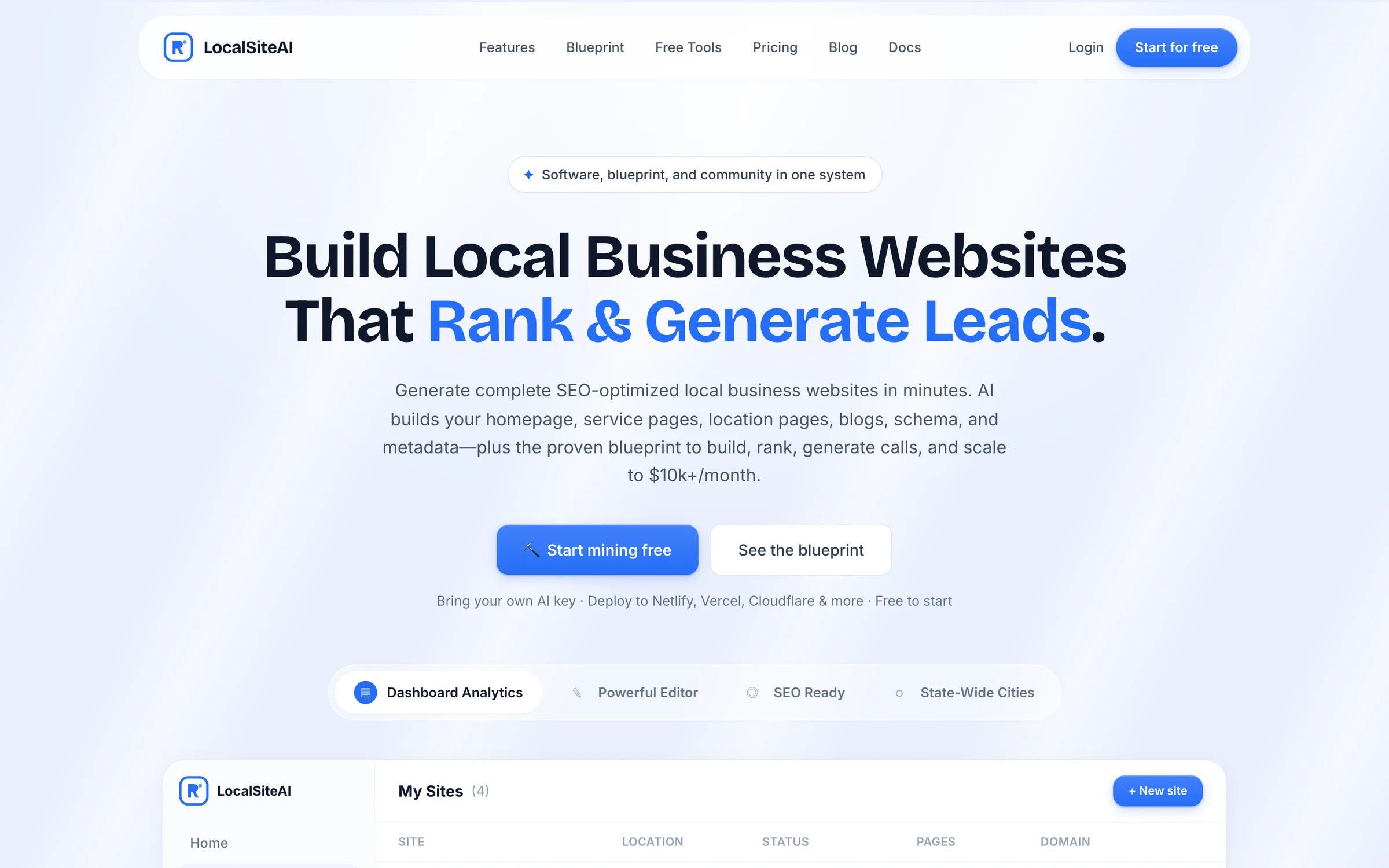
- LocalSiteAIAn AI website generator for local businesses. Users complete a short wizard, AI writes every page, and the site deploys in one click.localsiteai.com
Questions
Asked by businesses in Kuwait
Page updated 5 November 2026
How much does UI/UX design cost?
There is no fixed price. User research, the screen states that need design and the support needed during development all affect the scope. A flow that needs testing with real users and detailed handling of errors needs different work from a straightforward review. We send a free quote once we have agreed the scope with you.
What does a UI/UX design agency do?
An agency maps how people use a product and designs the screens that support those tasks. We use customer behaviour to map the flow, then make the interface visible through screen designs. The work gives you a way to review the steps a customer takes and the interface they see before those decisions reach development.
How do I choose a UI/UX design agency?
Choose a partner whose deliverables fit the people who will use and build the product. A startup preparing its first version needs flows and a prototype it can test or show investors. A development team needs files its developers can build from, plus answers to questions that arise during implementation.
What is included in a design system?
A design system brings reusable interface components and styles into one place. It can include buttons, form fields, colours, type styles and spacing, giving designers and developers a shared reference for new screens. Accessibility work covers details such as readable text, visible focus states, clear labels and tap targets large enough to use.
Will I own the work after the project?
You own your domain, content and code, with no lock-in. That gives you control over those parts of your product after the project. When you discuss the scope with us, identify the assets and access your team needs to keep using and managing the finished work.
What should we review after launch?
Compare the new experience with your earlier figures for task completion, drop-off, support tickets and conversion. Feedback from your support and sales teams can help you choose the next design changes. Keep the design files and component system updated as the product changes, so later screens stay aligned with the agreed design.
Tell us what you need
Sohail, Founder, replies within 1 working day (Mon–Sat, IST). Free and no obligation.